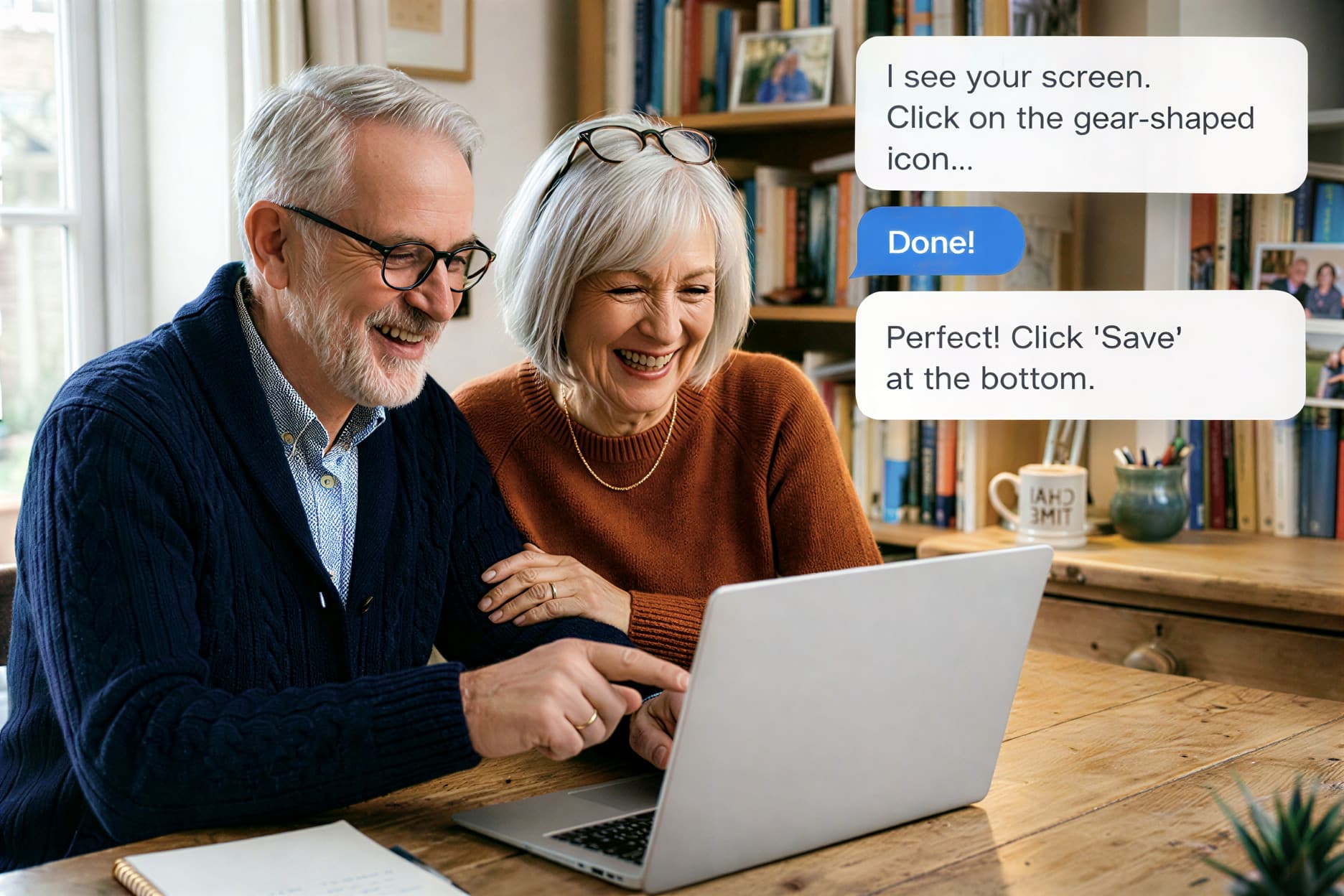
Need help with your computer or online paperwork?
Noah sees your screen and guides you step by step, at your pace. Whether it's a tech problem (printer, emails) or an online task (taxes, Medicare, Social Security, banking, suspicious emails).
No software to install, works right in your browser
How it works
Describe your problem
Share your screen
Follow simple steps
Describe your problem
Share your screen
Follow simple steps
Noah helps with everyday problems
Whatever your issue, Noah sees your screen and guides you step by step.
Fix my printer
Noah watches your screen and walks you through setting up or troubleshooting your printer.
They tried Noah
« Noah helped me get my email working again in under 5 minutes. »

Margaret, 67
« I needed help filing my taxes online. Noah walked me through every step. »

Robert, 72
« I got a fake email from my bank. Noah showed me how to tell it was a scam. Now I know what to look for. »

Patricia, 58
« Noah helped me get my email working again in under 5 minutes. »
Margaret, 67
Your privacy matters
Noah can see your screen but cannot control it
Your session is private and not recorded
No software to install, works in your browser
Noah never asks for your passwords or banking details
After each session, you'll receive a summary of everything we covered so you can refer back to it anytime
Available 24/7, no appointment, no waiting
Give someone a helping hand
Know someone who struggles with their computer? Give them a session with Noah. They'll be guided step by step.
Gift a sessionCommon questions
What can Noah help with?
Tech problems (printers, WiFi, email, software updates) and online tasks: filing taxes with TurboTax or the IRS, Medicare and Social Security forms, online banking, scheduling doctor appointments, and DMV services.
Is it safe to share my screen?
Yes. Noah can only see your screen. He cannot click, type, or change anything. You can stop sharing at any time.
What if I get disconnected?
No problem! Your session is saved. Just come back to the same link and Noah will pick up right where you left off.
Do I need to install anything?
No. Noah works entirely in your web browser. No downloads, no plugins.
What happens if my problem isn't solved?
If Noah can't solve your issue, any remaining time is saved for your next visit.